Who is Muster for?
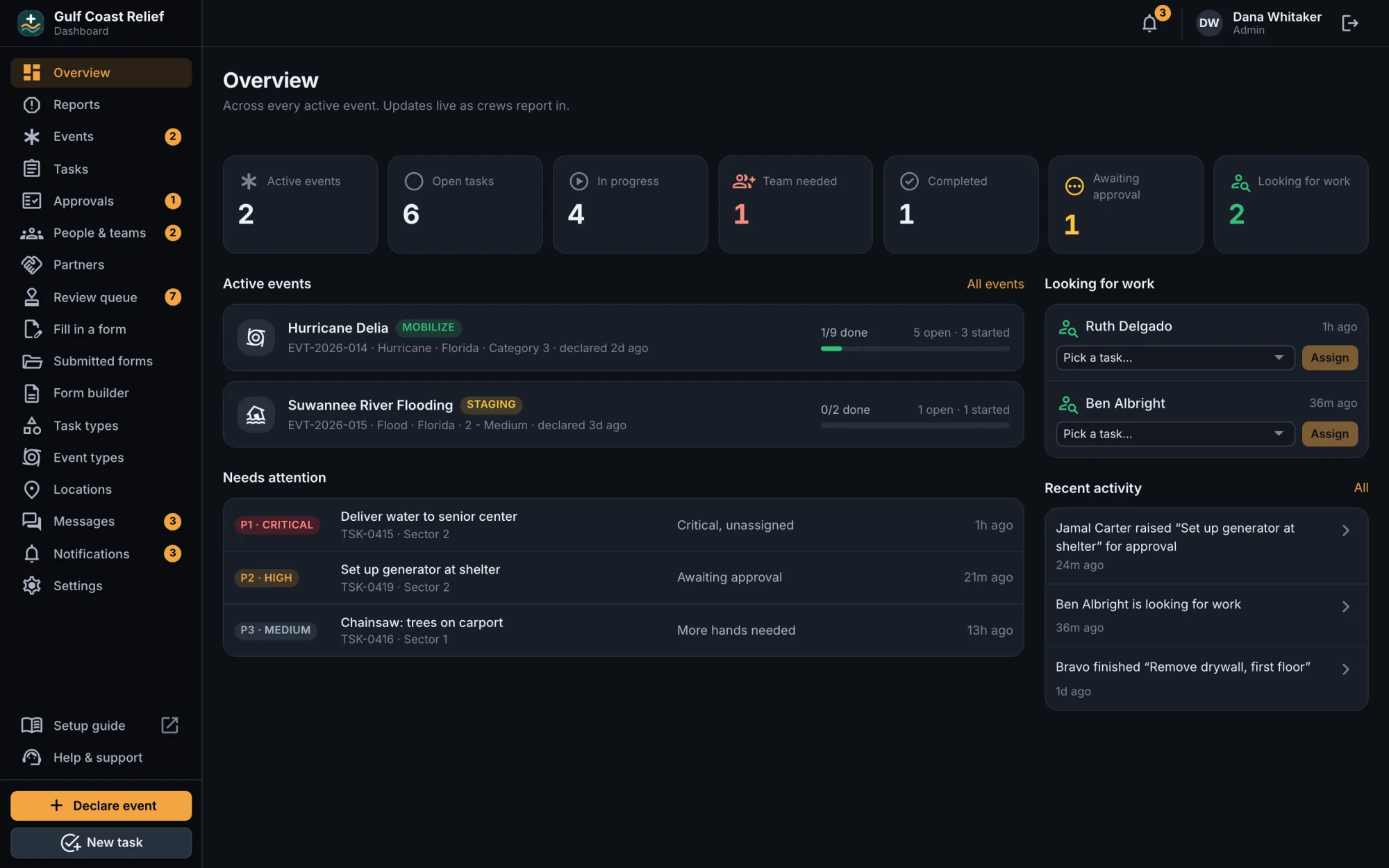
Any organization that sends volunteers or crews out to do work: disaster relief ministries, churches and mission teams, volunteer fire and rescue, nonprofits and food banks, and field crews. If you coordinate people across sites, Muster fits.
What devices does it run on?
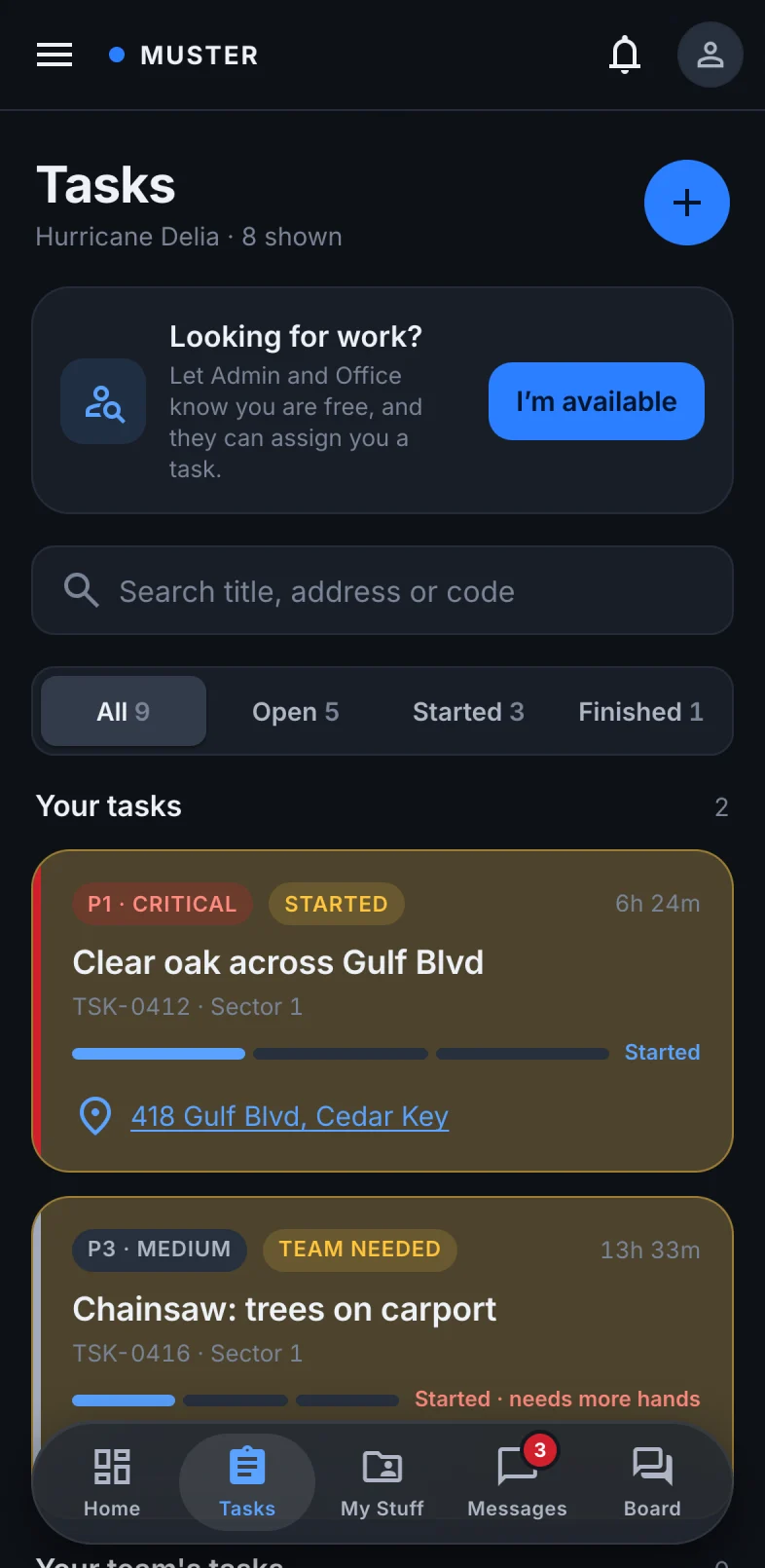
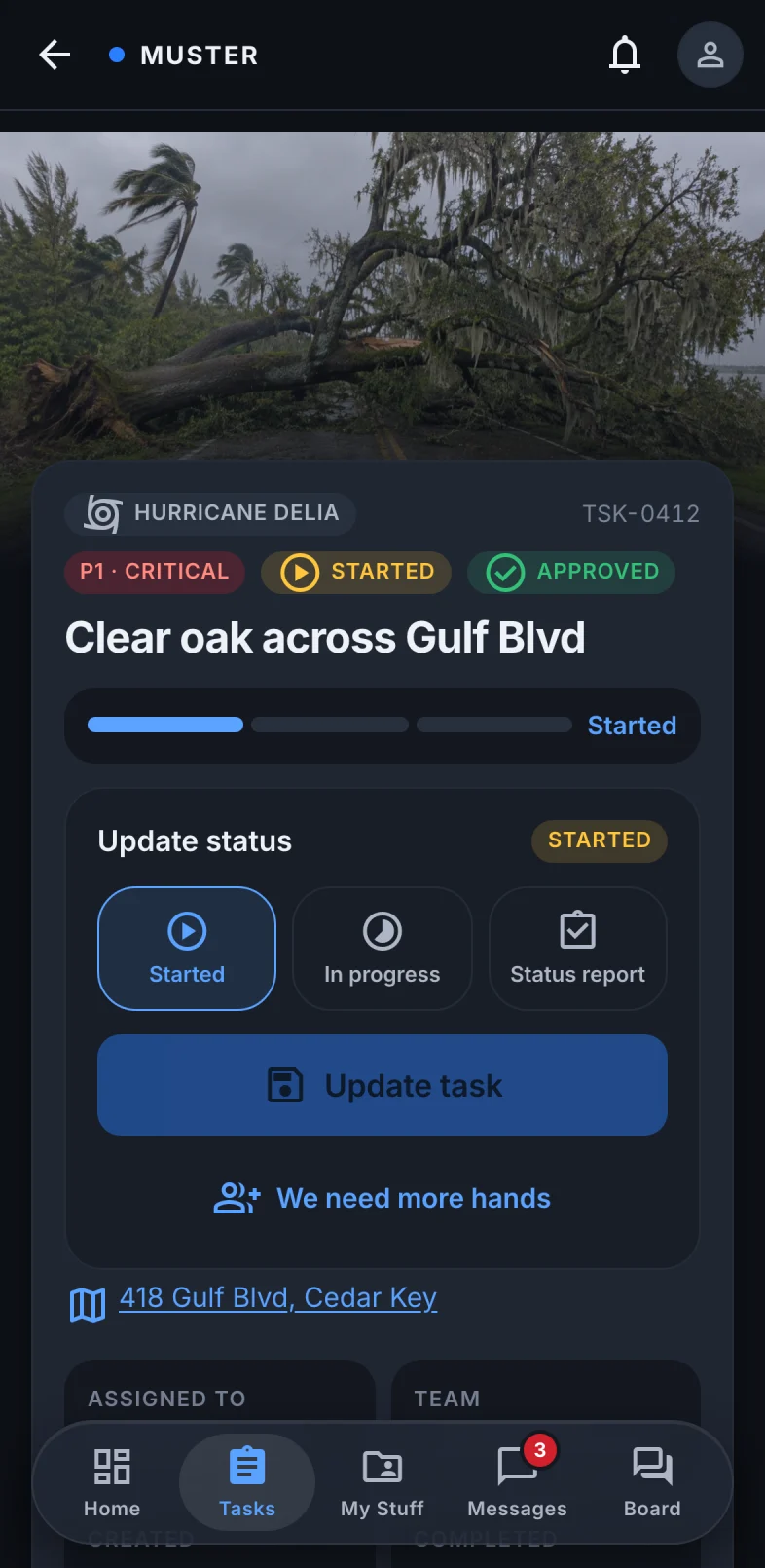
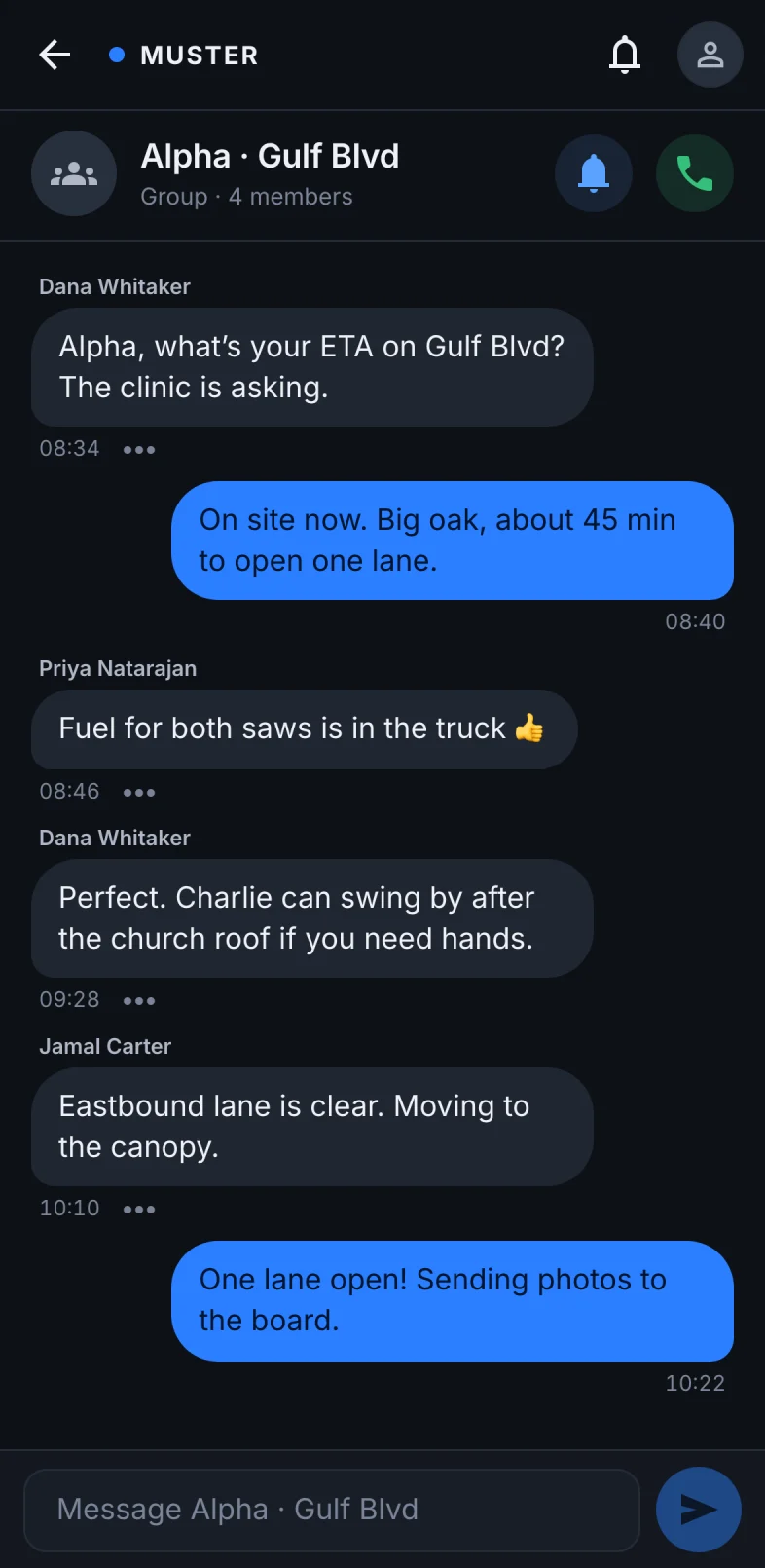
iPhone and iPad, Android phones, and any modern web browser. The office dashboard is designed for desktop. The phone apps are available to licensed organizations now, and public App Store and Google Play listings are coming soon.
Can we make Muster fit how we already work?
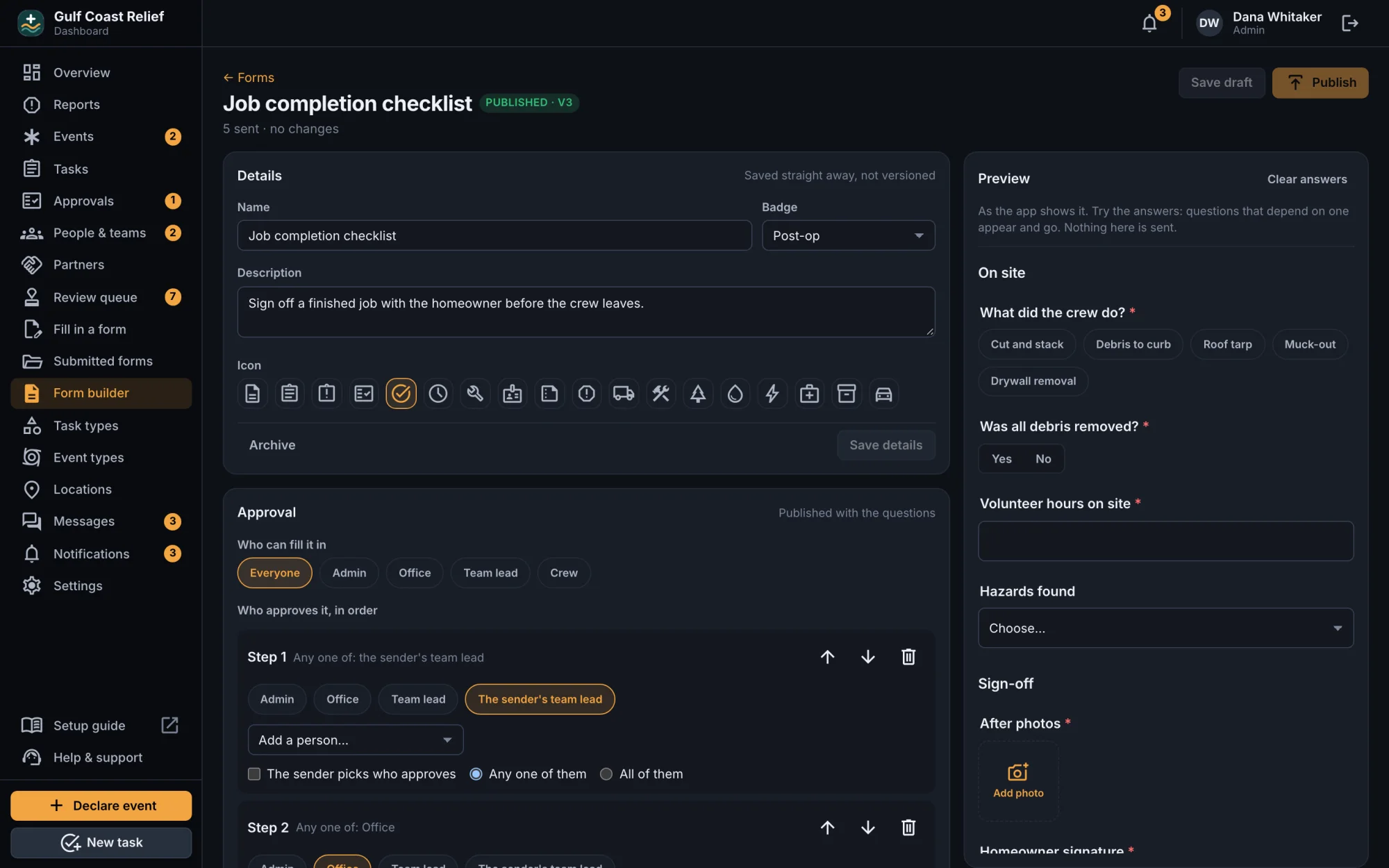
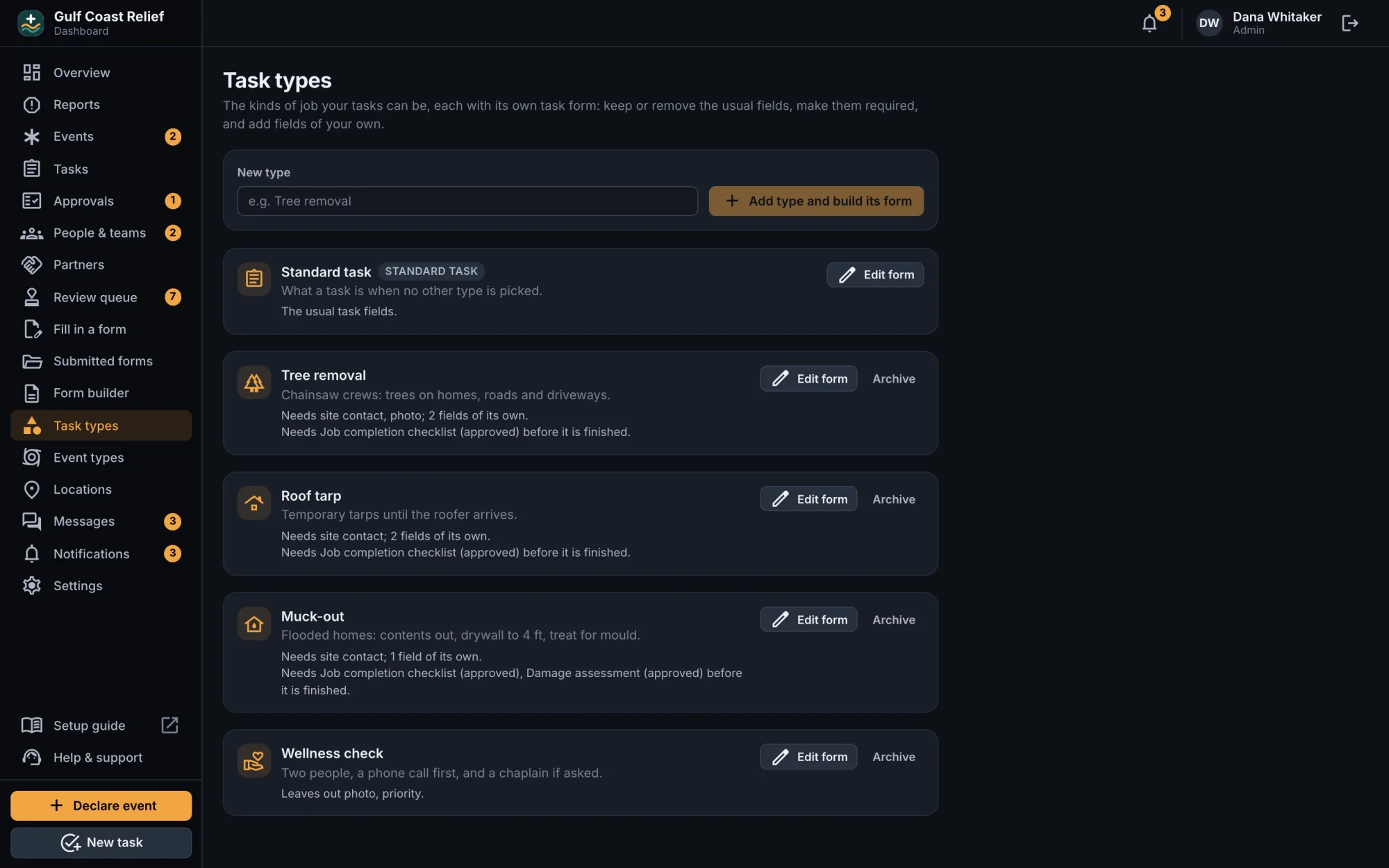
Yes. Your admins build your own forms, choose who approves them, set up each kind of task and event with the fields it needs, and name your own list of locations, all from the dashboard. Nothing needs a developer or an app update: publish a change and the app uses it.
Will it look like our organization?
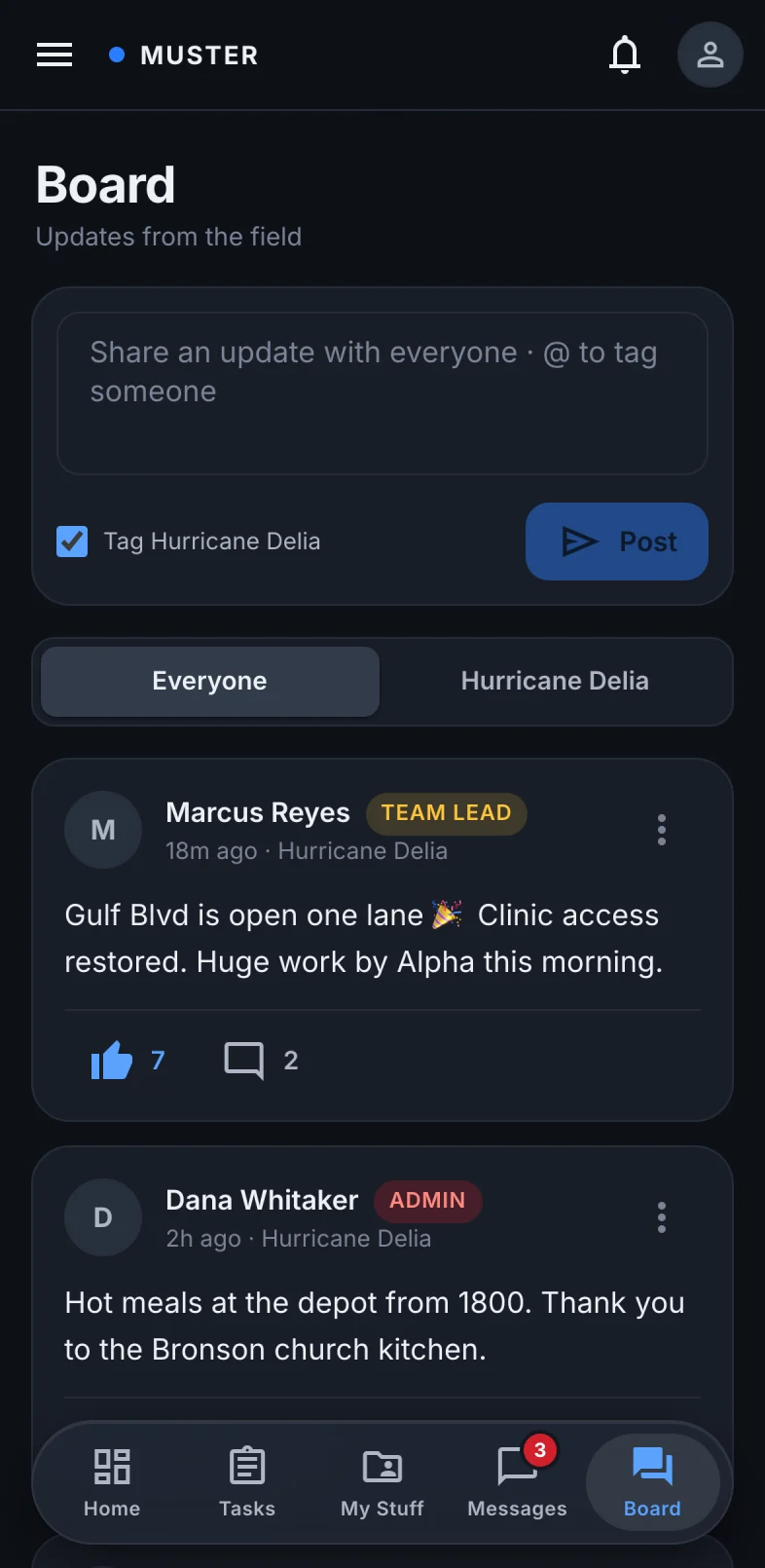
Yes. We set up your logo, name and accent color for you, and they appear on the sign-in screen, in the phone app and across the dashboard, so volunteers know they're in the right place.
Do forms work without signal?
Yes. Crews can fill in and save a form with no signal at all. It waits on the phone and sends itself when the connection comes back.
How do people join?
An admin or office user adds each person on the dashboard with their name and email, and Muster creates a temporary password to pass along. The person signs in by typing your organization's short name or email domain, and can change the password from the sign-in screen with "Forgot password?".
How long does setup take?
We create your organization and invite your first admin, usually within a day. Your team can declare an event and start assigning work right away, and add your forms and branding as you go. Larger plans include a session where we build your first forms with you.